Etched and cured
CO2 engraving
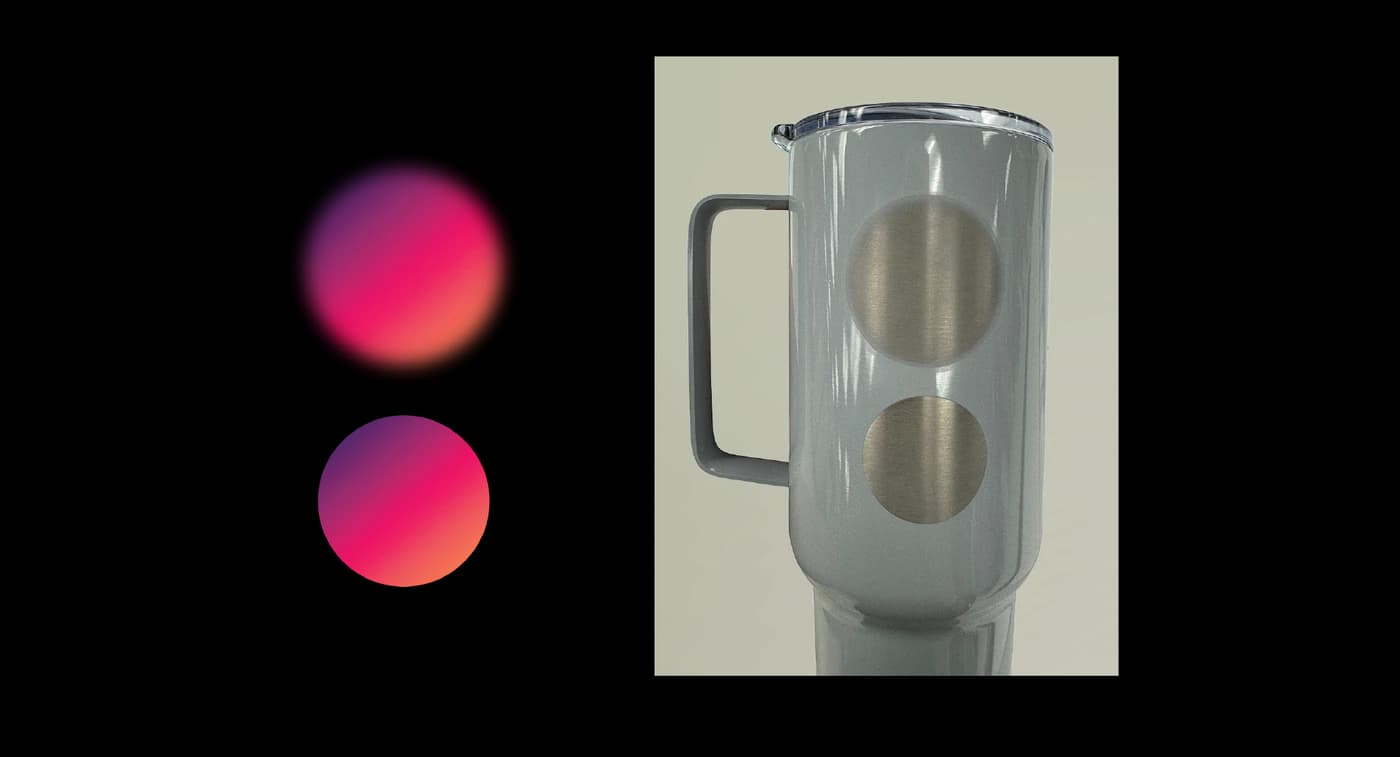
CO2 laser engraving removes a thin layer from the surface of wood, glass, bamboo, slate or a coated tumbler, leaving your design permanently cut into the material. There is no ink and no colour — the mark you see is the item’s own material exposed or frosted by the laser, so artwork is reproduced as a single solid tone rather than as a full-colour print. Bold shapes, line art and text are what this method does beautifully; we reproduce photographs as bold silhouettes rather than as continuous shading.
- Colour
- NoneA single tone cut into the material
- Artwork
- Solid black on transparent
- File formats
- PNG, SVG
- Transparency
- Left unengravedShows the bare material
- Materials
- Wood, bamboo, glass, slate, coated tumblers
- Photographs
- Convert to a silhouette first
There is no colour to design with
A laser does not add anything. It removes a thin layer of the surface, and what you see afterwards is the material itself — wood scorched a shade darker, glass frosted opaque, slate revealed lighter beneath its surface. Whatever colour was in your file is irrelevant to the result; only the shape matters.
So the artwork that engraves best is a shape, not a picture. Build the design as solid black on a transparent background: the black areas are engraved, the transparent ones are left as bare material. That gives you exact control over the outcome, because the file becomes a straightforward map of engraved and unengraved.
The colour options on an engraved product are materials and finishes, not print colours. Choosing walnut over bamboo changes what the whole piece looks like; it does not change the colour of your design, because your design has no colour of its own.
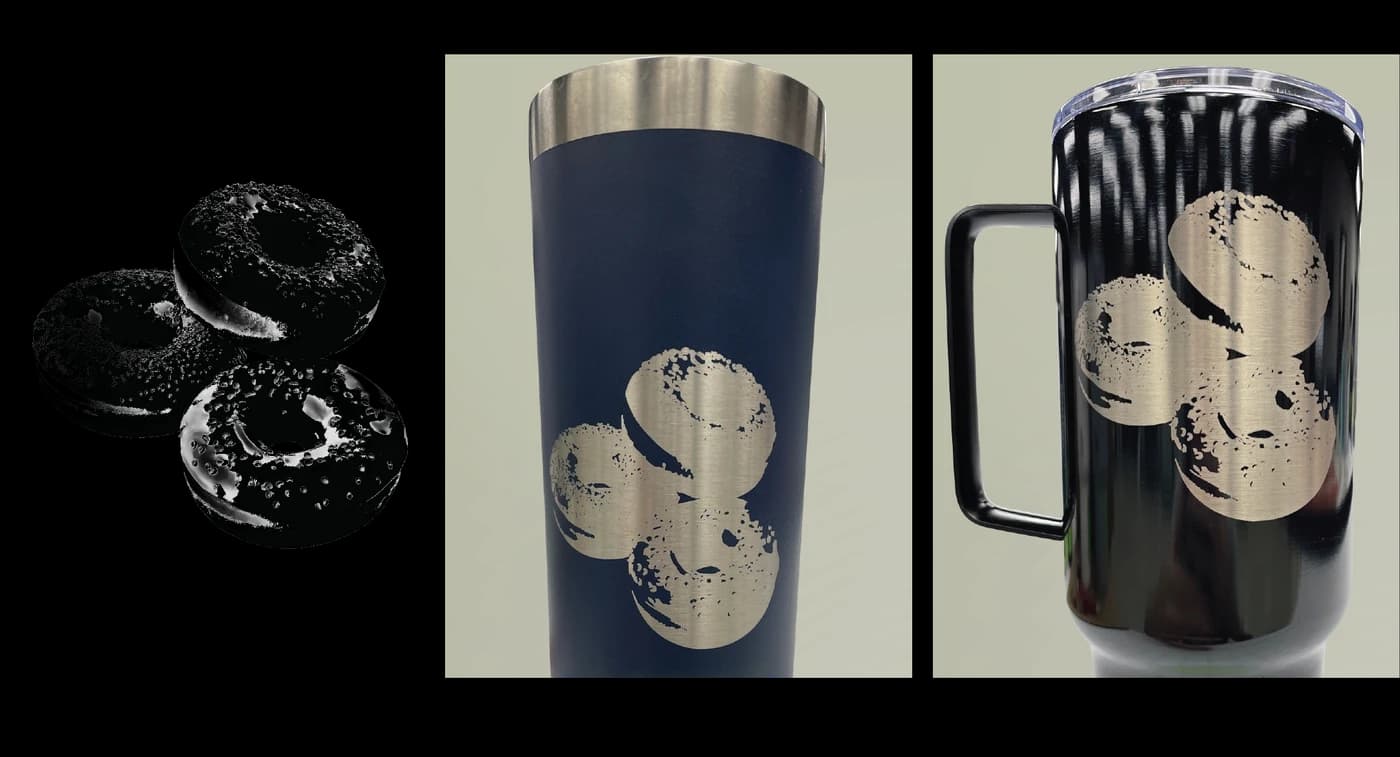
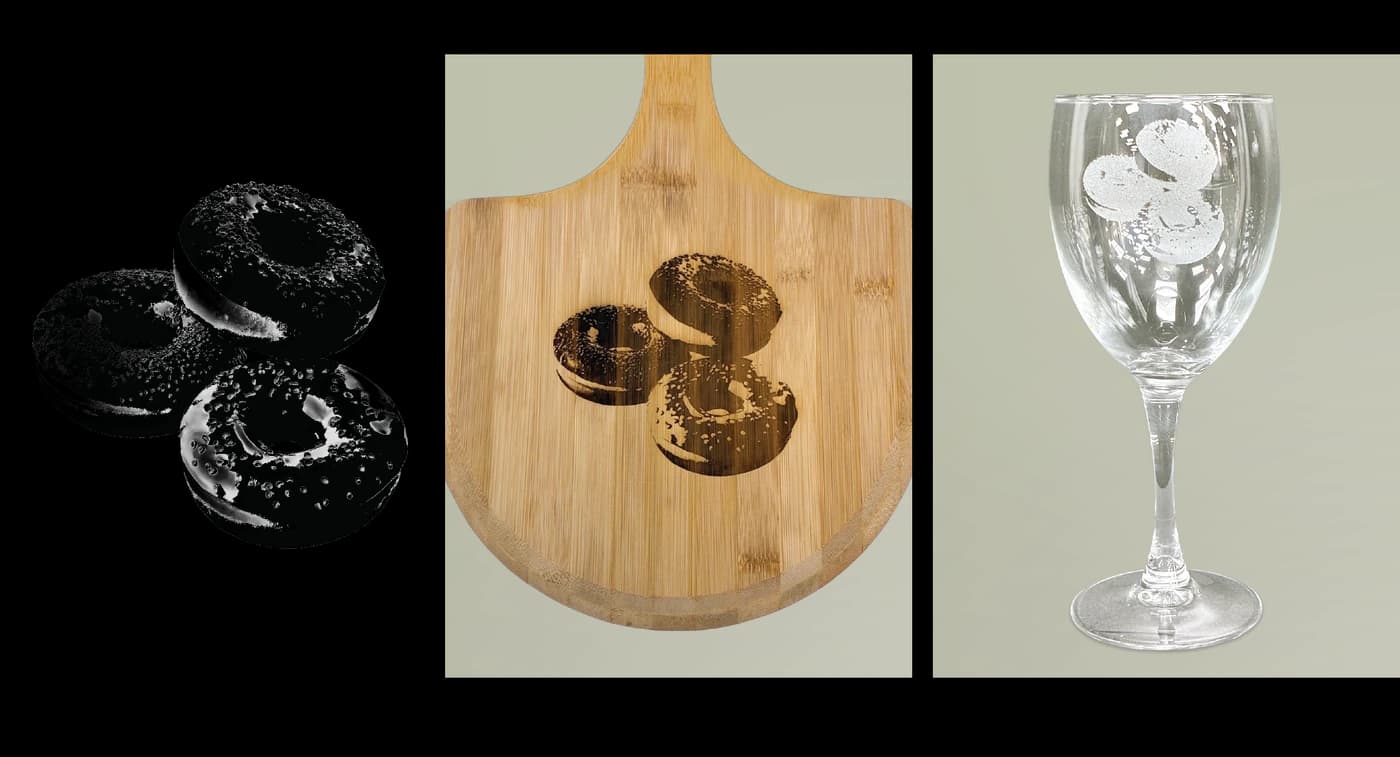
The material decides the character
Wood and bamboo take an engraving warmly — the mark is a darker, slightly scorched tone against the grain, and the grain itself remains visible through and around the design. Slate gives high contrast, a pale mark against a dark ground.
Glass behaves differently and is worth understanding before you commit a design to it. The laser frosts the surface, and frosting is essentially all-or-nothing: an area is either etched or it is not, with no in-between. That makes glass the highest-contrast option and also the least forgiving of intricacy — bolder lines and simpler shapes are noticeably sharper on glass than fine detail is.
Glass also conducts heat poorly, so engraving can create tiny micro-fractures within the design, and the density of the glass itself varies slightly even within a single piece. Both produce small variations from item to item. These are inherent to engraving a hard, brittle surface, not defects, and they are part of why no two engraved glass pieces are quite identical.
Preparing the file
Supply a PNG or an SVG. Use real transparency for everything you do not want engraved — a white background is not the same as a transparent one, and on some setups white is treated as artwork rather than as absence.
If you are working in SVG and your design contains text, convert the text to outlines before saving. An un-outlined font relies on that exact font being installed wherever the file is opened, and if it is not, the text is silently substituted with a default face.
Avoid semi-transparent elements, soft shadows and glows. They have no engraved equivalent — each one resolves to either engraved or not — so it is far better to make that decision yourself in the artwork than to leave it to a threshold.
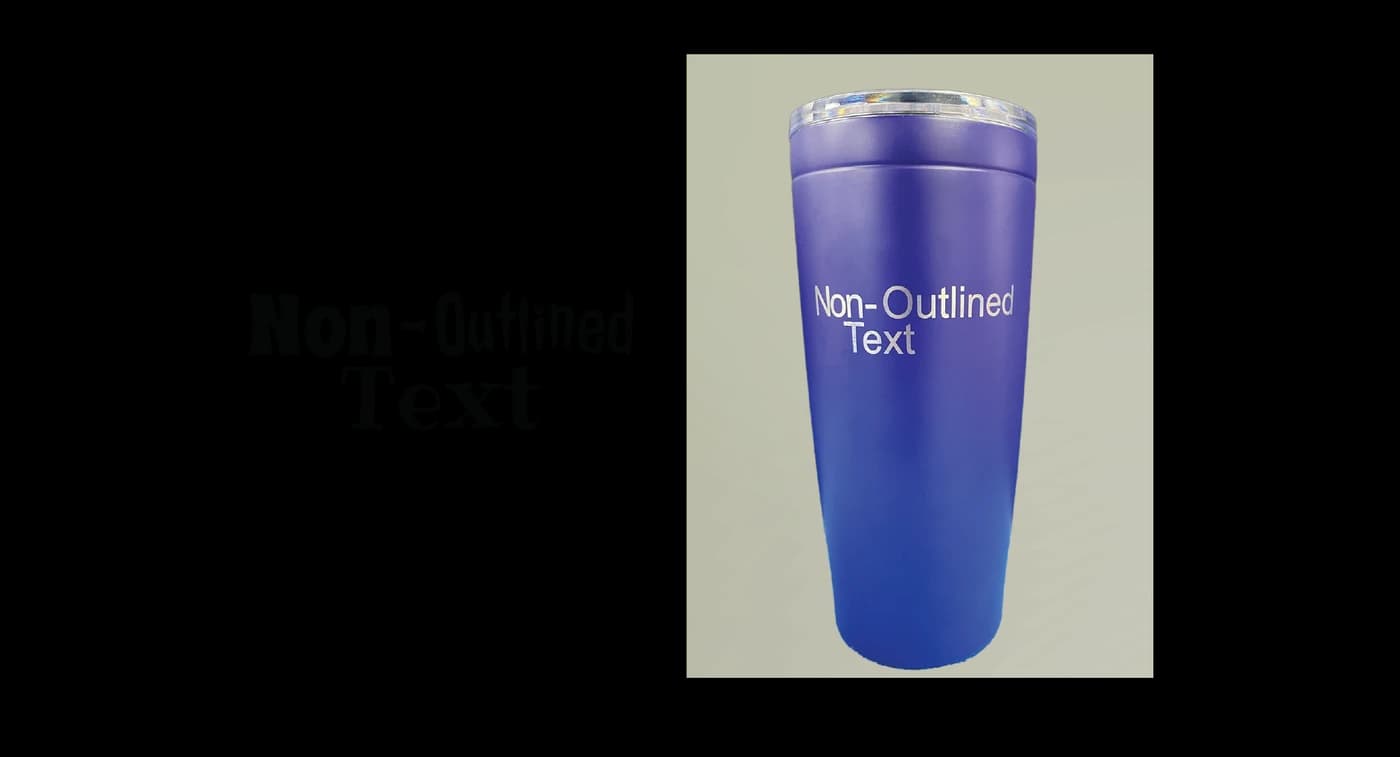
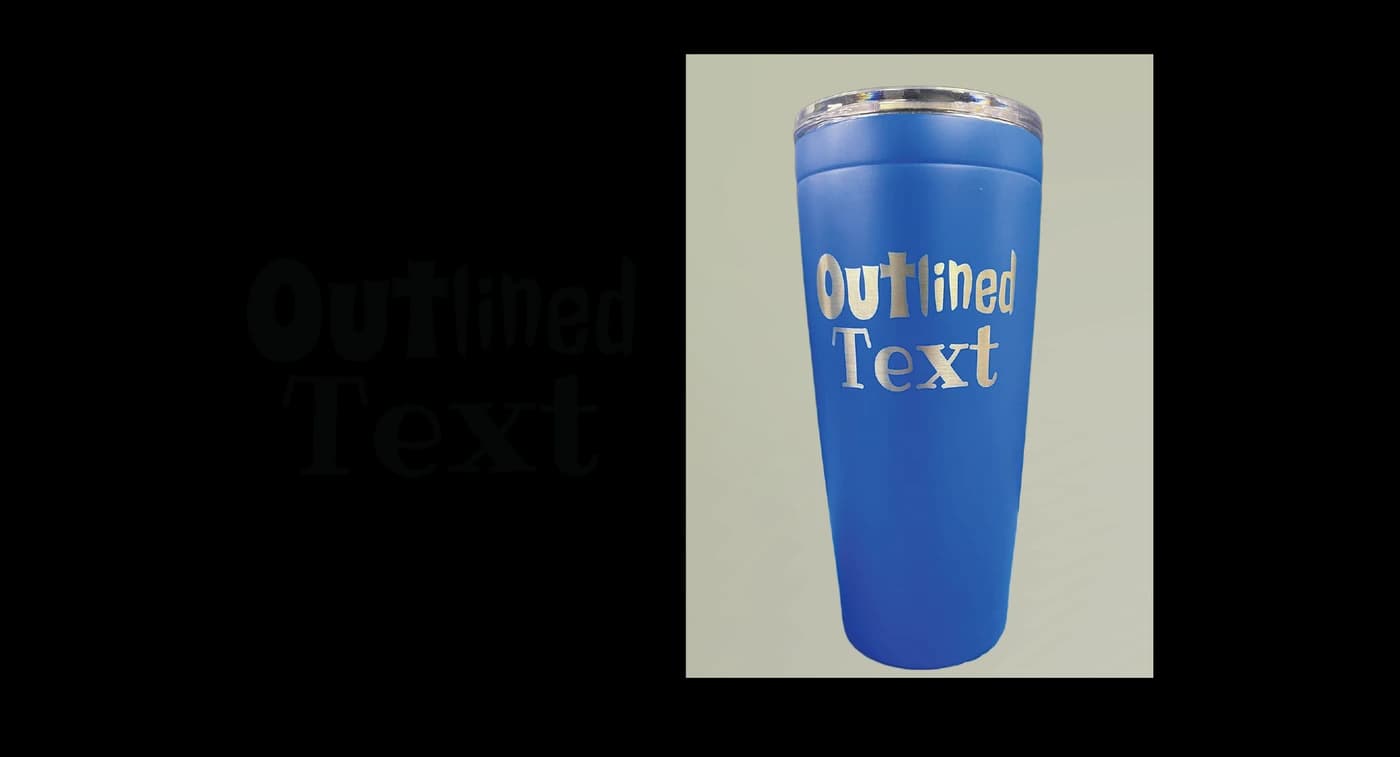
Do this, not that
Do
- Build the design as solid black on a transparent backgroundBlack engraves, transparent does not — the file becomes an exact map of the result.
- Use bold shapes, clean line art and generous textThe method reproduces shapes, and bold shapes survive every material.
- Convert SVG text to outlines before savingAn un-outlined font is silently substituted if it is not installed downstream.
- Simplify further for glassGlass frosts all-or-nothing, so intricate detail loses definition that it keeps on wood.
Avoid
- Relying on colour to carry the designThere is no colour — only engraved and unengraved material.
- Photographs used as-isWe reproduce your artwork as a single solid tone, so convert the photograph to a silhouette or bold line art first.
- Semi-transparency, soft shadows and glowsEvery pixel resolves to engraved or not — make that call yourself rather than leaving it to a threshold.
- Hairline strokes and very small textThe engraved mark has a physical width; below it, lines merge and counters fill.
Common questions
- Can laser engraving reproduce colour?
- No. A laser removes a thin layer of the surface rather than adding anything, so the mark is the item’s own material — scorched wood, frosted glass, exposed slate. Your artwork is reproduced as a single solid tone, and the colour options on an engraved product are materials and finishes rather than print colours.
- Can you engrave a photograph?
- Not directly. We reproduce your artwork as a single solid tone, so the continuous shading a photograph relies on has to become bold shapes first. Convert the photograph into a silhouette or high-contrast line art before uploading — doing that reduction yourself means you control which details survive rather than leaving it to an automatic threshold.
- What file format should I use for engraving?
- PNG or SVG, with the design as solid black on a genuinely transparent background. Black areas are engraved and transparent areas are left as bare material. If you use SVG and the design contains text, convert the text to outlines first, or the font may be substituted.
- Why does engraved glass look slightly different on every piece?
- Glass conducts heat poorly, so engraving can create tiny micro-fractures within the design, and the density of the glass varies slightly even within a single piece. Both cause small variations from item to item. They are inherent to engraving a hard, brittle surface rather than defects, and they are why no two engraved glass pieces are quite identical.
- What is the difference between CO2 and fiber laser engraving?
- The substrate. CO2 engraving is used on wood, bamboo, glass, slate and coated tumblers. Fiber laser engraving is used on stainless steel and metal jewellery. They are separate processes with separate equipment, and a product is made with one or the other, never both.
Products made this way
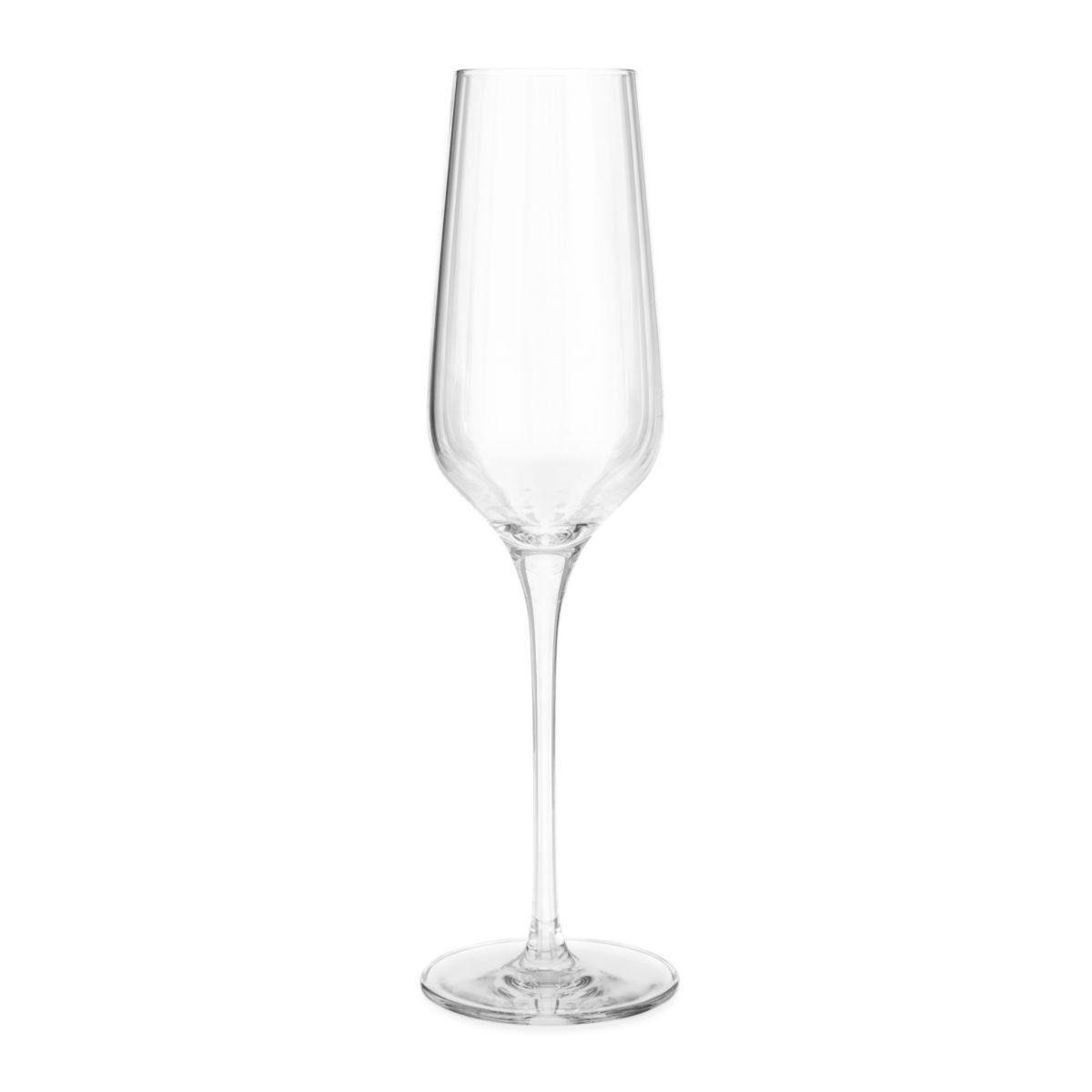
Custom Champagne Flute Wine Glass, Engraved with Your Text
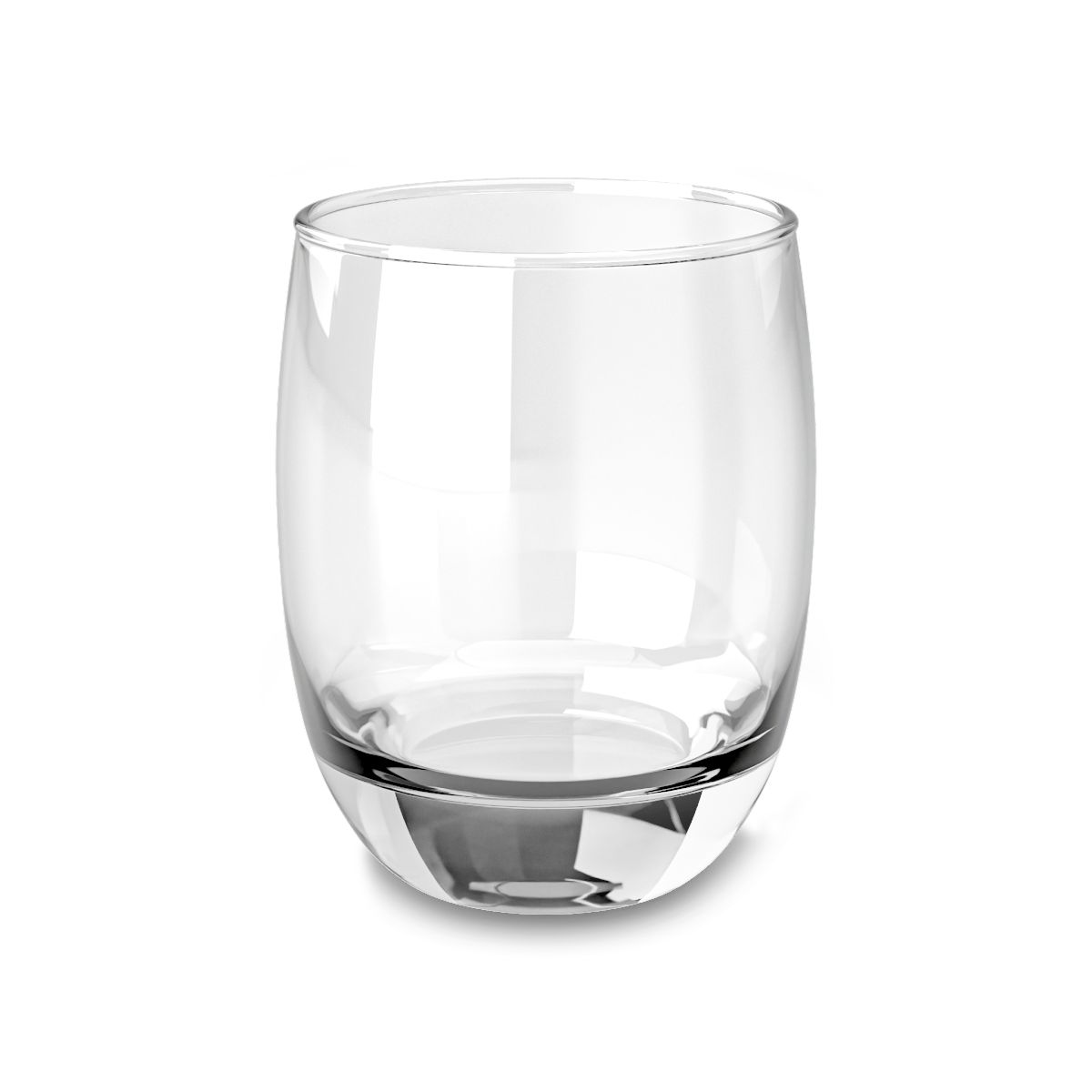
Custom Whiskey Glass, 6oz Engraved, with Your Monogram
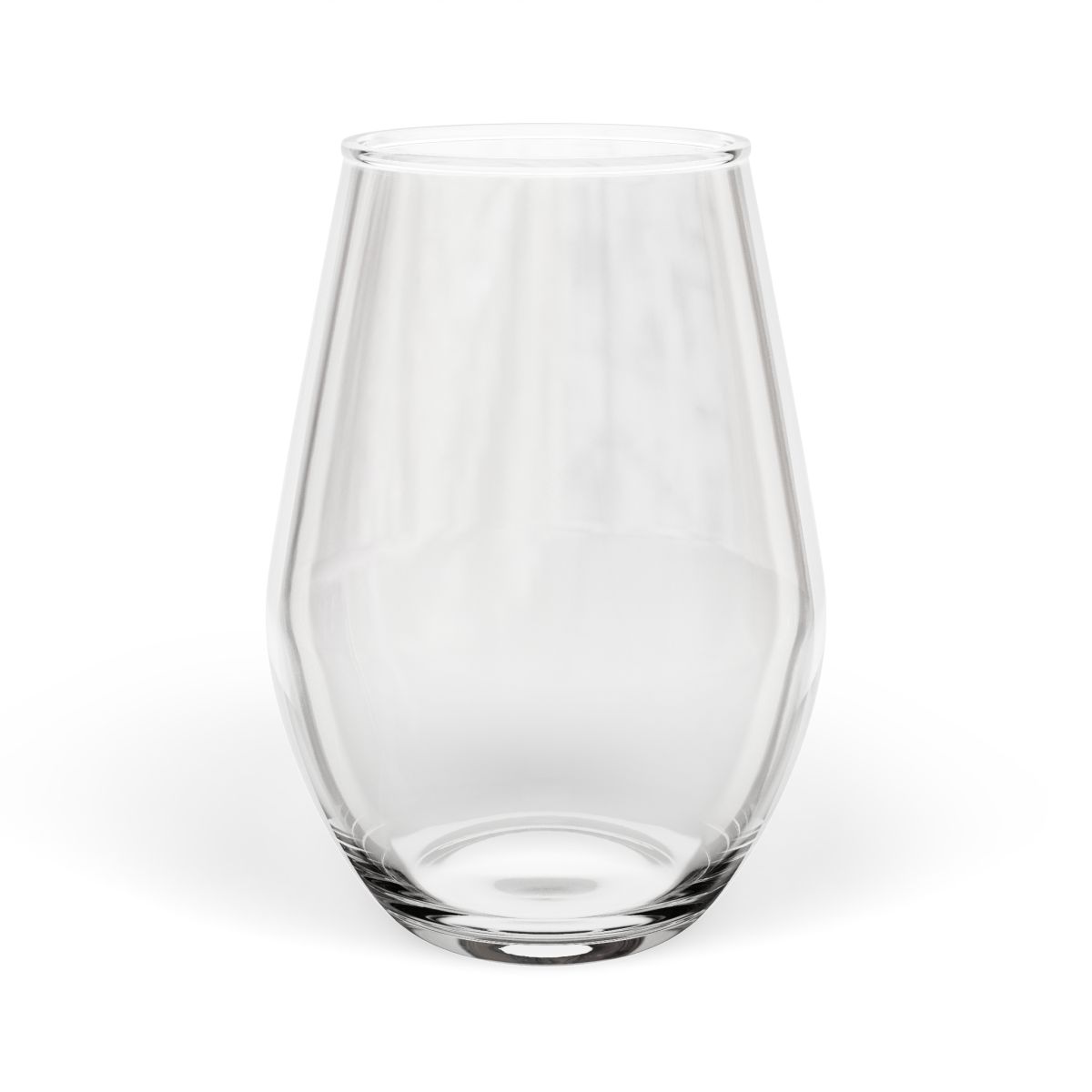
Custom Engraved Wine Glass, Stemless, with Your Text
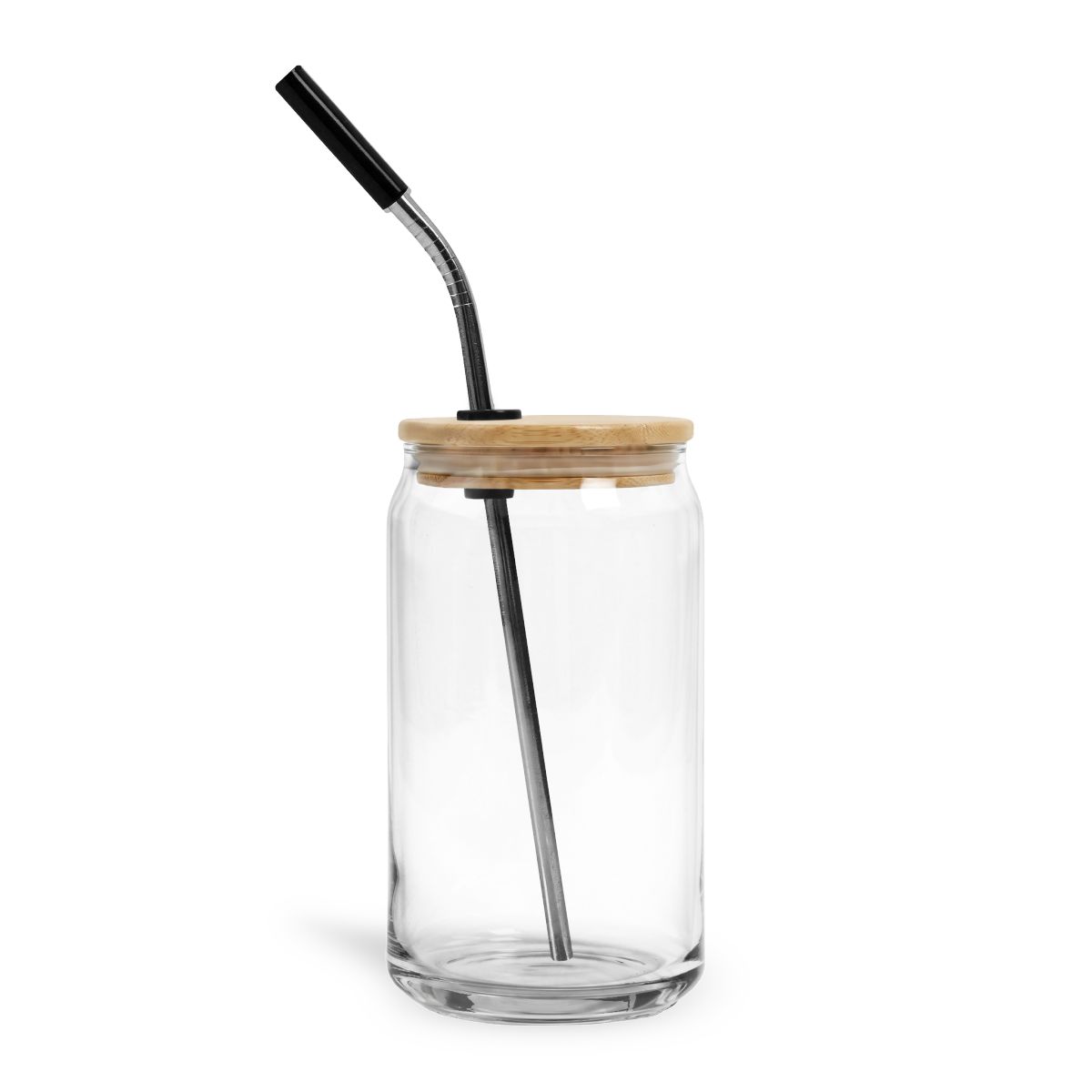
Custom Can Glass, Engraved Drinking Glass with Lid and Your Name
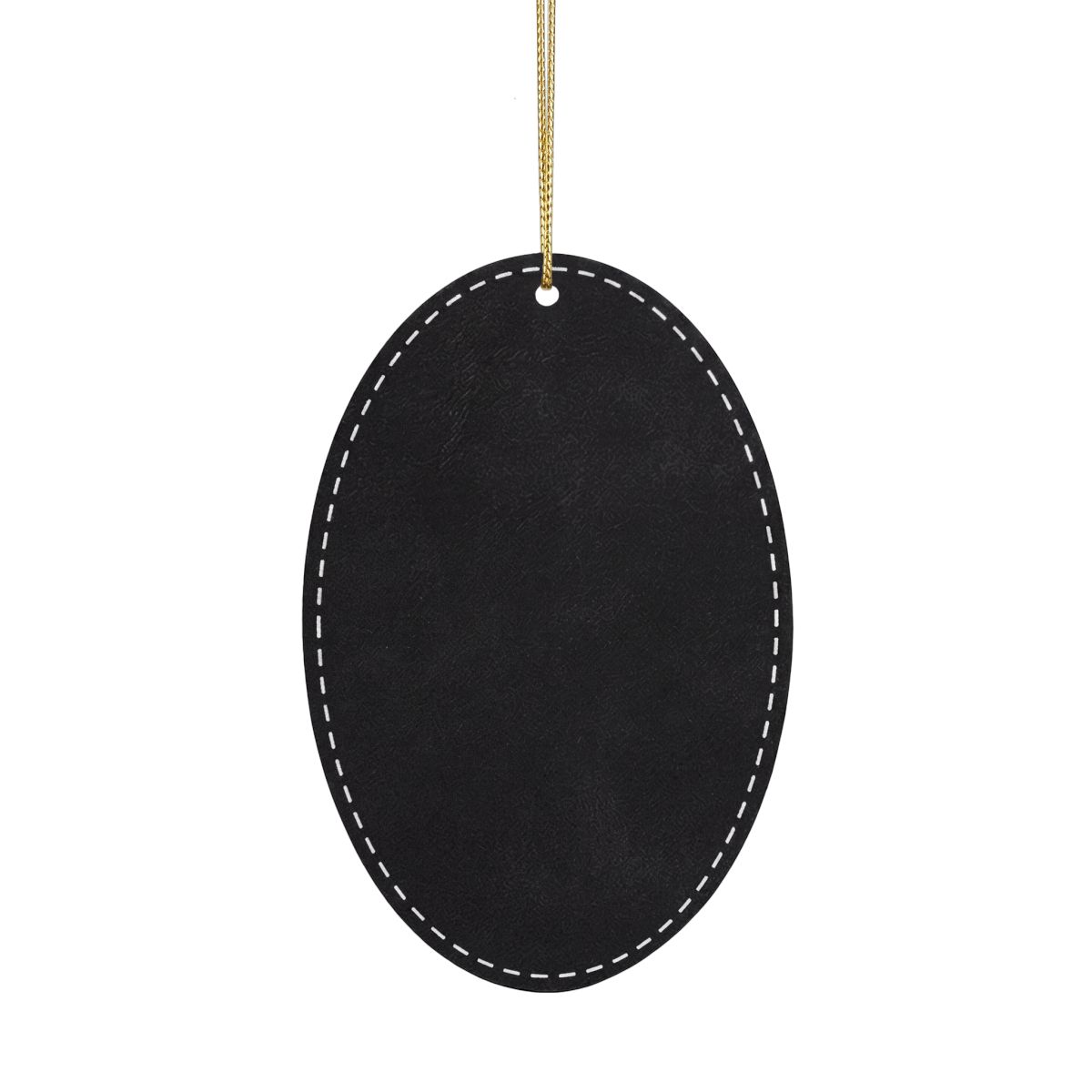
Custom Engraved Leatherette Ornament with Your Name
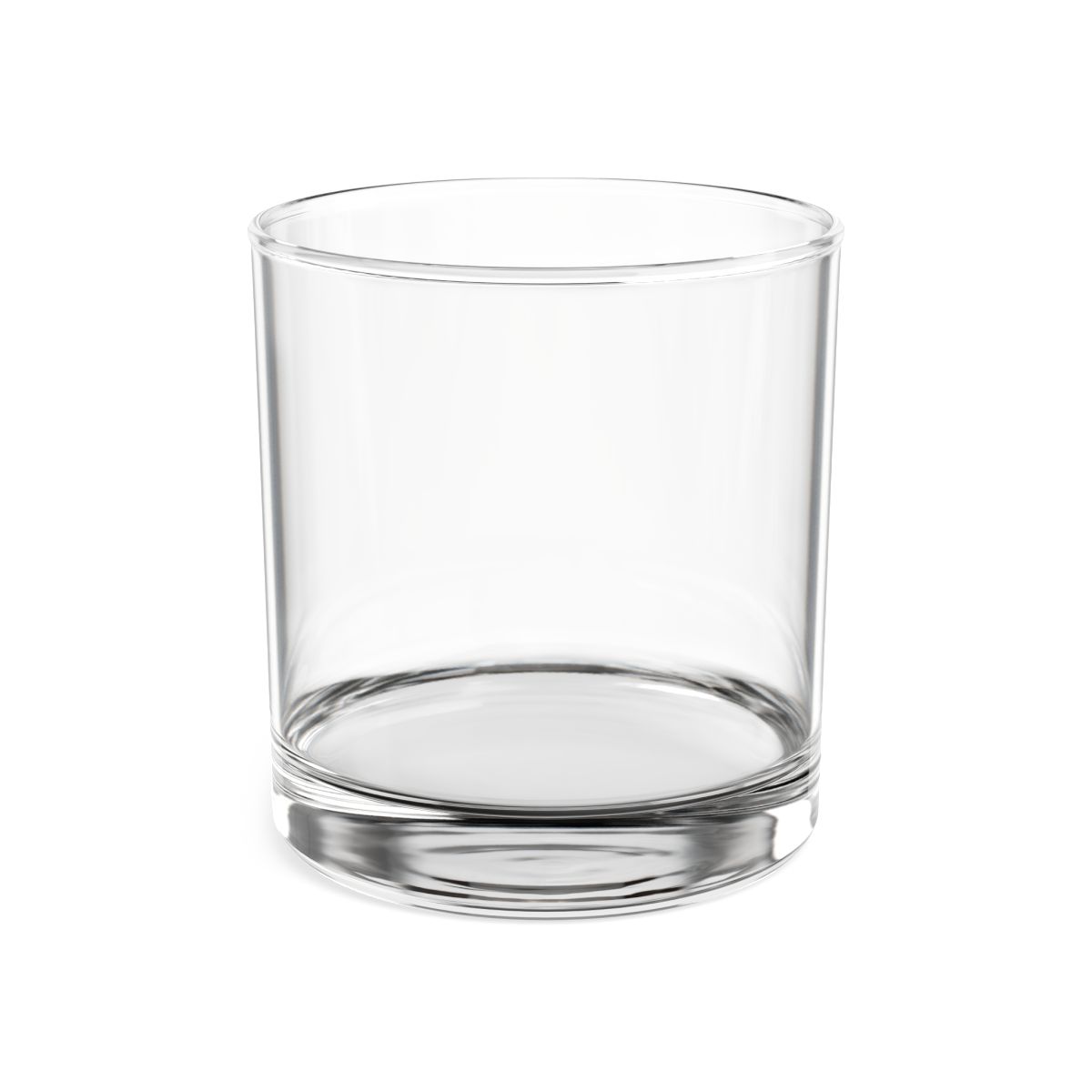
Custom Engraved Whiskey Glass, Rocks Style, with Your Name
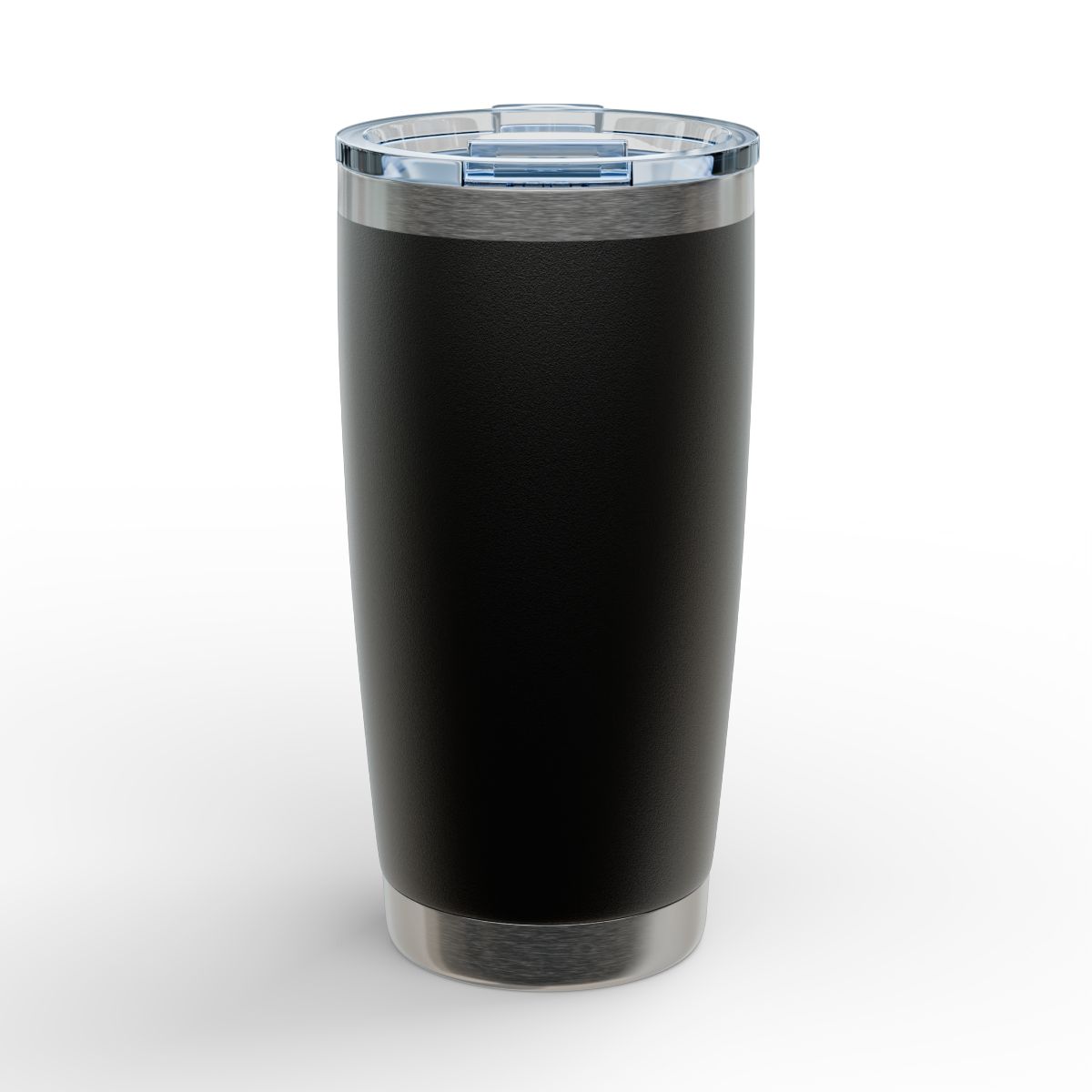
Custom Engraved Tumbler with Your Name or Logo, 20oz
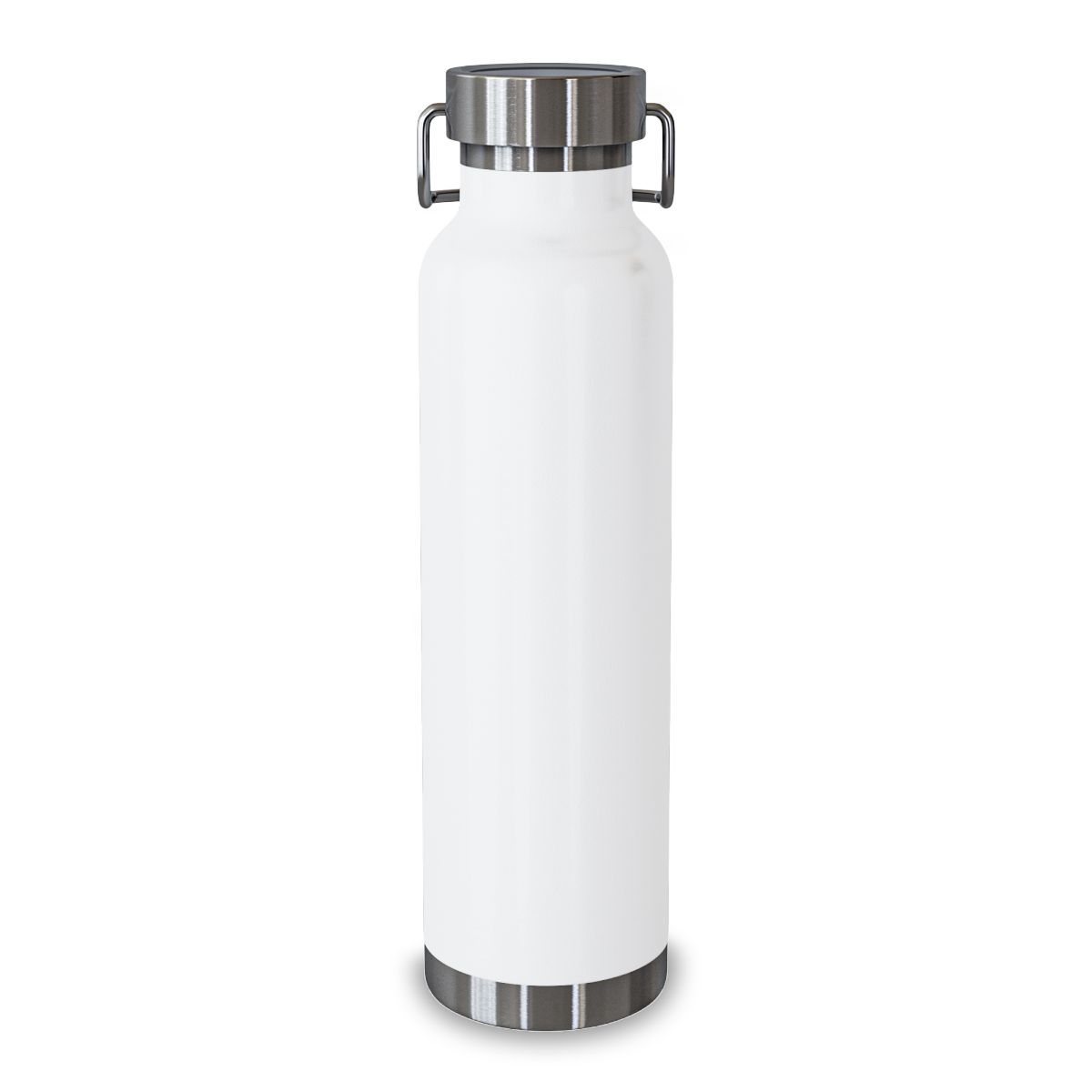
Custom Water Bottle for Companies, Engraved, with Your Logo
Related methods
How we know this
- Supplier CO2 laser-engraving design guidelines — verified 2026-08-15
- BelDisegno production capability record — verified 2026-08-15