design tools
Free
Silhouette Vectorizer
Convert any photo into a scalable SVG silhouette, stencil, or line-art — free, in your browser, no upload
What is the Silhouette Vectorizer? The Silhouette Vectorizer converts any photo into a clean, scalable SVG file — directly in your browser. No file uploads, no server round-trips, no account needed. Upload your…
Free to use. Opening the workspace needs a free BelDisegno account.
How it works
- 01
Configure
Adjust the form on the right — every tweak updates the preview.
- 02
Preview
See the result live before you commit. No waiting, no surprises.
- 03
Download
Grab the file when you’re happy. Yours to keep.
- Your inputs stay private
- No watermark on results
- Instant preview & download
About
What is the Silhouette Vectorizer? The Silhouette Vectorizer converts any photo into a clean, scalable SVG file — directly in your browser. No file uploads, no server round-trips, no account needed. Upload your image, choose a mode, fine-tune the settings, and download your vector in seconds.
How to vectorize an image:
- Upload a JPG, PNG, or WebP image
- Choose a mode — Silhouette, Stencil, or Line-Art
- Adjust threshold, smoothness, and noise removal in real time
- Download your clean SVG file
Three modes for every project:
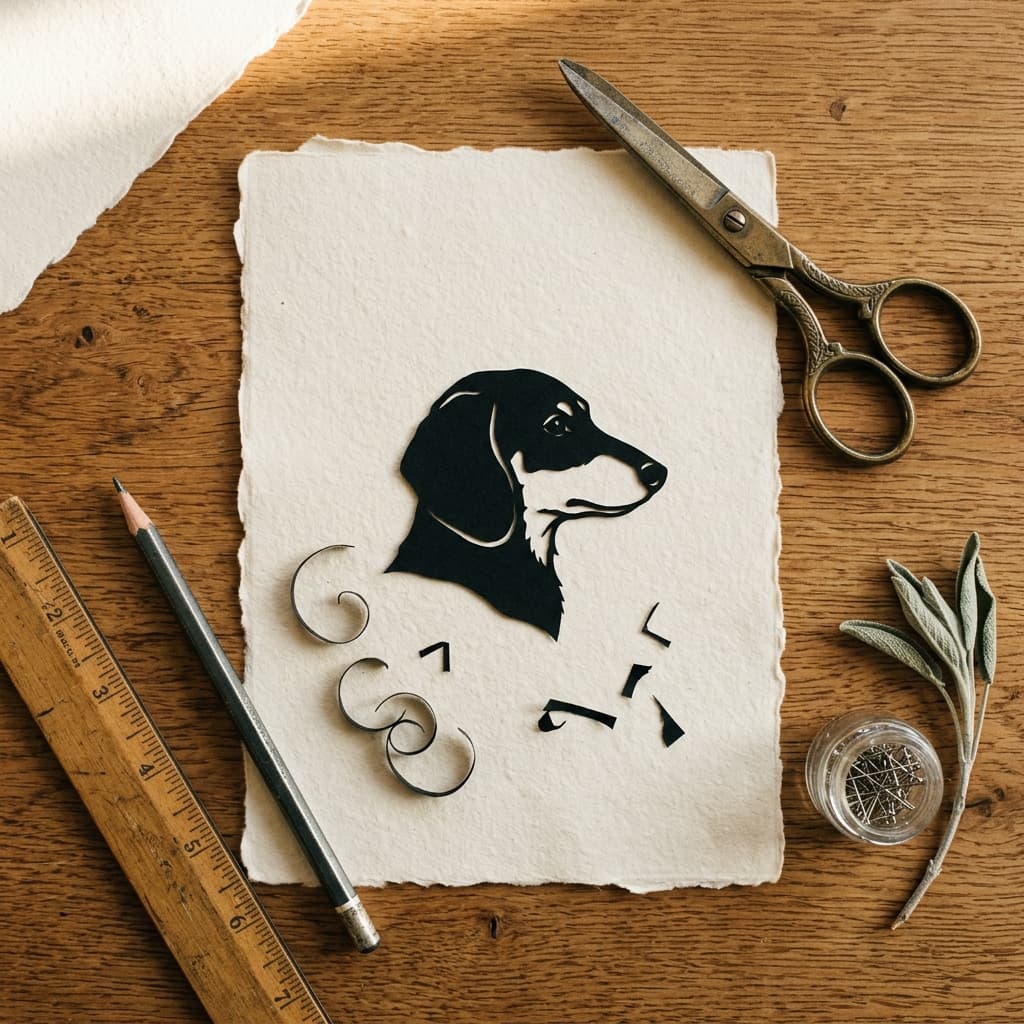
- Silhouette — A solid, single-colour cutout. Perfect for logos, decals, vinyl cutting, laser engraving, and print-on-demand designs.
- Stencil — A 2–4 tone posterised style. Ideal for screen printing, layered stencil projects, and bold pop-art posters.
- Line-Art — Detailed edge outlines for portraits, illustrations, and technical drawings.
Adjust threshold, smoothness, and noise removal in real time. Export a clean path-based SVG compatible with Illustrator, Figma, Affinity Designer, Inkscape, and Cricut Design Space.
FAQ (8)
The converter runs entirely in your browser using classical image-processing — thresholding, edge detection, and the open-source ImageTracer library. Your photo never leaves your device and is not sent to any server.
PNG, JPG, WebP, and AVIF are supported. Large images are automatically downscaled for the live preview and traced at full resolution when you download.
Silhouette produces solid, single-colour cutouts — ideal for logos, decals, vinyl cutting, laser engraving, and print-on-demand. Stencil creates 2–4 tone posterised art for screen printing and layered stencil projects. Line-Art draws detailed edge outlines for portraits, illustrations, and technical drawings.
Start with Threshold to set the black/white cutoff. Use Noise Removal to eliminate small specks and stray paths. Adjust Corner Smoothness to soften sharp edges (0 is sharp, 1.3 is smooth). For photos with a solid background, enable Background Removal and increase the Tolerance slider until the background clears.
Switch Background Removal to Manual and use the colour picker to sample your background colour. Increase the Tolerance slider until the background clears cleanly. For very busy or gradient backgrounds, turn Background Removal off and fine-tune Threshold instead.
Yes. The SVG you download is yours — a direct output of your uploaded image with no watermarks and no usage restrictions from this tool. Always ensure you hold the rights to the original photo.
Yes. The download is a clean path-based SVG compatible with Illustrator, Figma, Affinity Designer, Inkscape, and Cricut Design Space. Recolour paths, split shapes, or combine it with other artwork freely.
There is no hard limit. Very large images (over 4,000 pixels on either side) may take a few seconds to trace at download time. The live preview always runs on a 600px downscale for fast, responsive feedback.