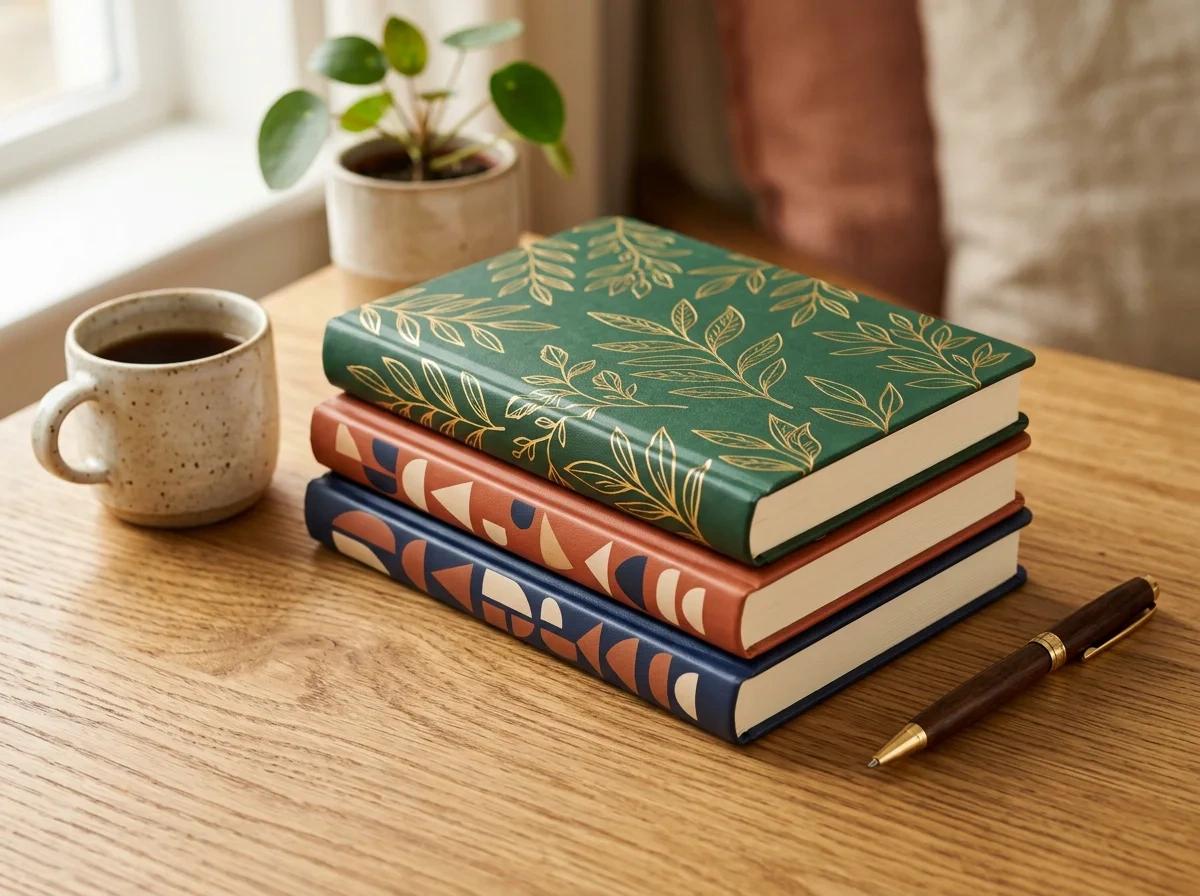
Notebook Cover Design Prompt Generator
Pick a theme, a texture, a layout and colours with pictures and get an AI image prompt for a notebook or journal cover
What is the Notebook Cover Design Prompt Generator? A free AI prompt generator for a notebook cover design or a journal cover. You pick what is on the cover, the texture, the layout, the art style and the colours,…
Free preview. No account needed.
Build your notebook cover prompt
How it works
- 01
Pick with pictures
Choose the subject, style and colours by clicking the cards. The prompt updates with every click.
- 02
Copy the prompt
Pick the AI you use, copy the prompt and run it there. That AI makes the image.
- 03
Print your image
Bring the image back and print it on one of the products linked under the prompt.
- Your inputs stay private
- No watermark on results
- Instant preview & download
About
What is the Notebook Cover Design Prompt Generator? A free AI prompt generator for a notebook cover design or a journal cover. You pick what is on the cover, the texture, the layout, the art style and the colours, and the tool writes one image prompt for the cover art. Pick your AI (ChatGPT, Gemini, Midjourney, Ideogram, Flux and Recraft) and the prompt is reworded for it.
Each prompt asks for flat artwork that fills the whole image, and tells the AI to leave out spiral bindings, desks and hands, so the result is the cover art itself.
Pick the AI you use, copy the prompt, run it, then print the image on a notebook or journal.
Prefer not to run it yourself? Sign in and press Make it for me. Our AI runs the prompt on show with ChatGPT, Gemini or Flux, using your credits. The button shows the cost before you press it, and the images are made by AI.
FAQ (5)
You may also like
QR Code Generator
Create custom QR codes with unique styles, colors, and your own logo — free, no signup required
AI Wall Art and Poster Prompt Generator
Pick a subject, style and colours with pictures and get an AI image prompt for posters and canvas prints
AI Jigsaw Puzzle Art Prompt Generator
Pick a scene, an audience and a style with pictures and get an AI image prompt made for jigsaw puzzles