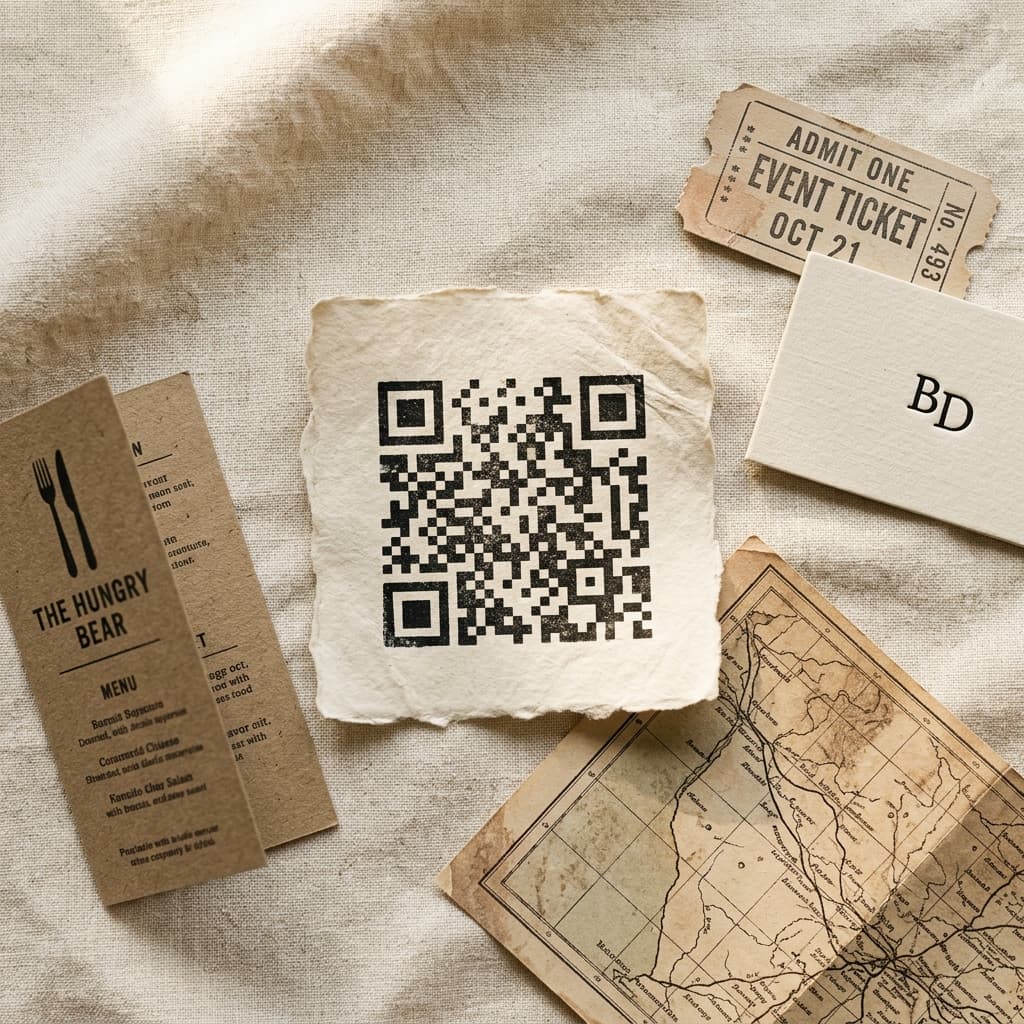
Dynamic QR Codes
Edit what your QR points to — any time, without reprinting.
What is a Dynamic QR Code? A dynamic QR code is a scannable image whose destination content can be updated at any time after printing — no reprinting required. Dynamic QR codes separate the image from the content.…
Free preview. No account needed.
How it works
- 01
Configure
Adjust the form on the right — every tweak updates the preview.
- 02
Preview
See the result live before you commit. No waiting, no surprises.
- 03
Download
Grab the file when you’re happy. Yours to keep.
- Your inputs stay private
- No watermark on results
- Instant preview & download
About
What is a Dynamic QR Code? A dynamic QR code is a scannable image whose destination content can be updated at any time after printing — no reprinting required. Dynamic QR codes separate the image from the content. Print your QR once — update what it points to as often as you like. Swap a link, publish a new PDF, edit the menu, or run a fresh coupon, and every scanner gets the latest without reprinting a thing.
How to create a dynamic QR code:
- Pick a content type — Website, vCard, PDF, Menu, and more
- Customize the destination content and styling
- Download the QR image as PNG, SVG, or JPEG
- Print or share — update the destination any time without reprinting
Pick from 18 landing-page types — Website, vCard Plus, List of Links, PDF, Video, Images, Social Profiles, MP3, Business, Menu, Coupon, Apps, Landing Page, Event, Product, Feedback, Playlist, and 2D Barcode. Each one renders as a polished mobile page styled to match your brand across five presets.
Set an expiry date, pause a code without reprinting, and watch live scan counts from the dashboard. Download your QR in PNG, SVG, or JPEG with full styling control — dot patterns, colours, and a logo overlay with adjustable shape and size.
Currently in admin preview — open access coming soon.
FAQ (7)
You may also like

URL Shortener
Free link shortener — turn any long URL into a compact, shareable short link instantly

Domain Finder
Find and register your perfect domain — we handle everything else.
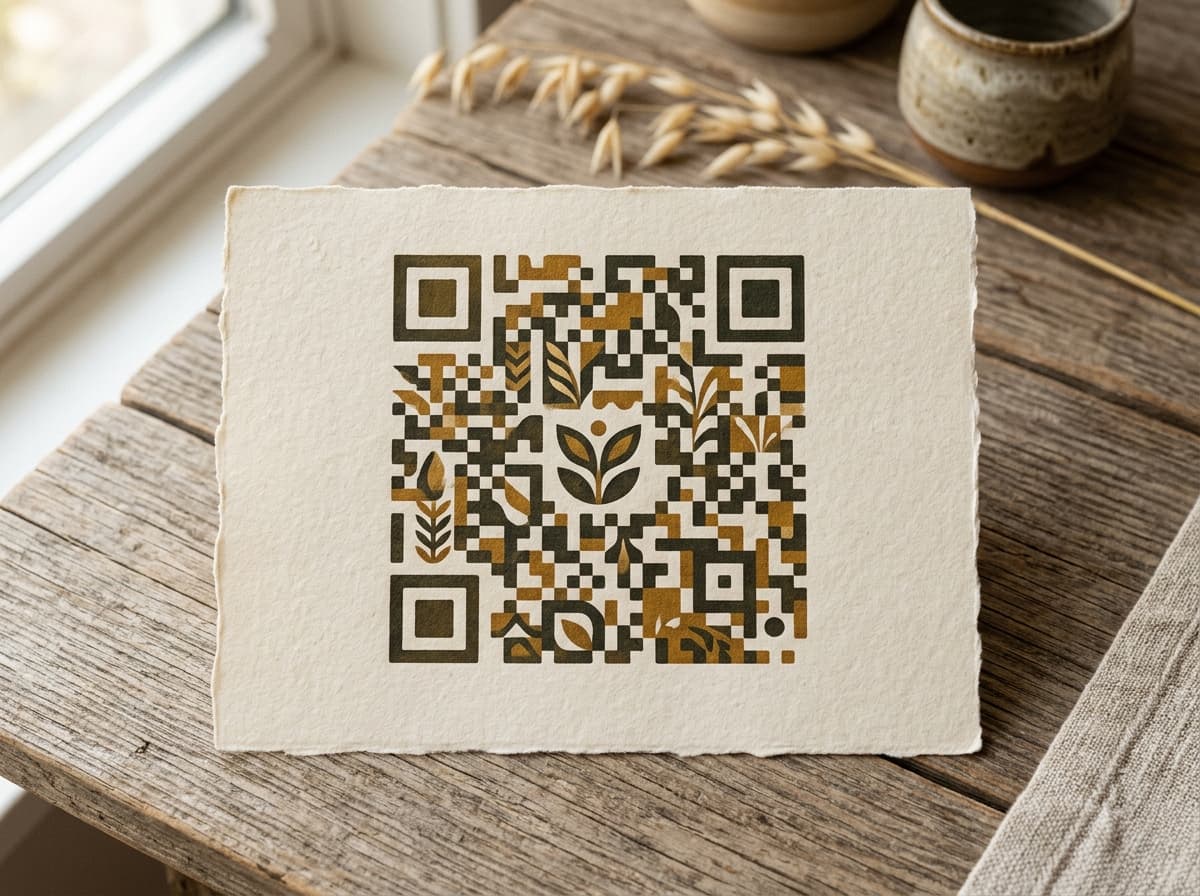
QR Code Generator
Create custom QR codes with unique styles, colors, and your own logo — free, no signup required